This week, I completed the port of KeepSecret's actions to the new org.kde.kirigami.actioncollection API from kirigami-app-components, a recently introduced library developed by Marco Martin (notmart). Before working on this task, actions were defined separately throughout the UI. With ActionCollection, I could define each action once in a central place and then reuse it wherever it was needed. This makes the code easier to maintain and also integrates KeepSecret with KDE's standard shortcut system, allowing users to configure shortcuts through the usual KDE interface. The main change was creating a dedicated Actions.qml file with AC.ActionCollectionManager as the root element. Inside it, actions are now centrally defined across three collections — one for the wallet list, one for wallet contents, and one for item details. These include actions such as New Wallet, New Entry, Search, Lock, Unlock, Copy Password, Save, Revert, and Delete. During review, additional actions were added, dependencies were simplified, and Flatpak build issues were addressed. Since kirigami-app-components is still very new, some CI and packaging adjustments were needed before everything built correctly. The merge request !29 has now been reviewed, approved, and merged into KeepSecret. Next up is the Import/Export feature — I'll be studying KeepSecret's wallet data structures and designing the file format this week...
Hello Reader! In case you don't know me (quite likely 😆), I am Ojas Maheshwari (@the_epicman:matrix.org) and I am currently working in the Google Summer of Code program for the KDE community on a project about Font Subsetting in Poppler under my mentor Albert Astals Cid. Community Bonding If I am being honest, I had already bonded with the Poppler community before GSoC started 😅 I had a lot of conversations with Albert, Sune, lbaudin and ats, and they already helped me a lot with my technical problems with my contributions prior to GSoC :D However, I also managed to bond with other fellow GSoC contributors this summer so it's a win in my book :D Week 1 I learnt a lot about how PDF files work this week. Technical terms like Indirect Objects, Default Appearance, Appearance Streams which used to sound confusing to me before finally clicked. I got more comfortable with traversing and using PDF data structures such as Objects, Arrays, Dicts, Streams etc. The Happy News is that I got the Font Subsetting to work for FreeText Annotations. I have raised a Draft MR which should be ready-to-review by end of this week and my plan is to get it fully correct and merged first and then move on to doing the same thing for forms. 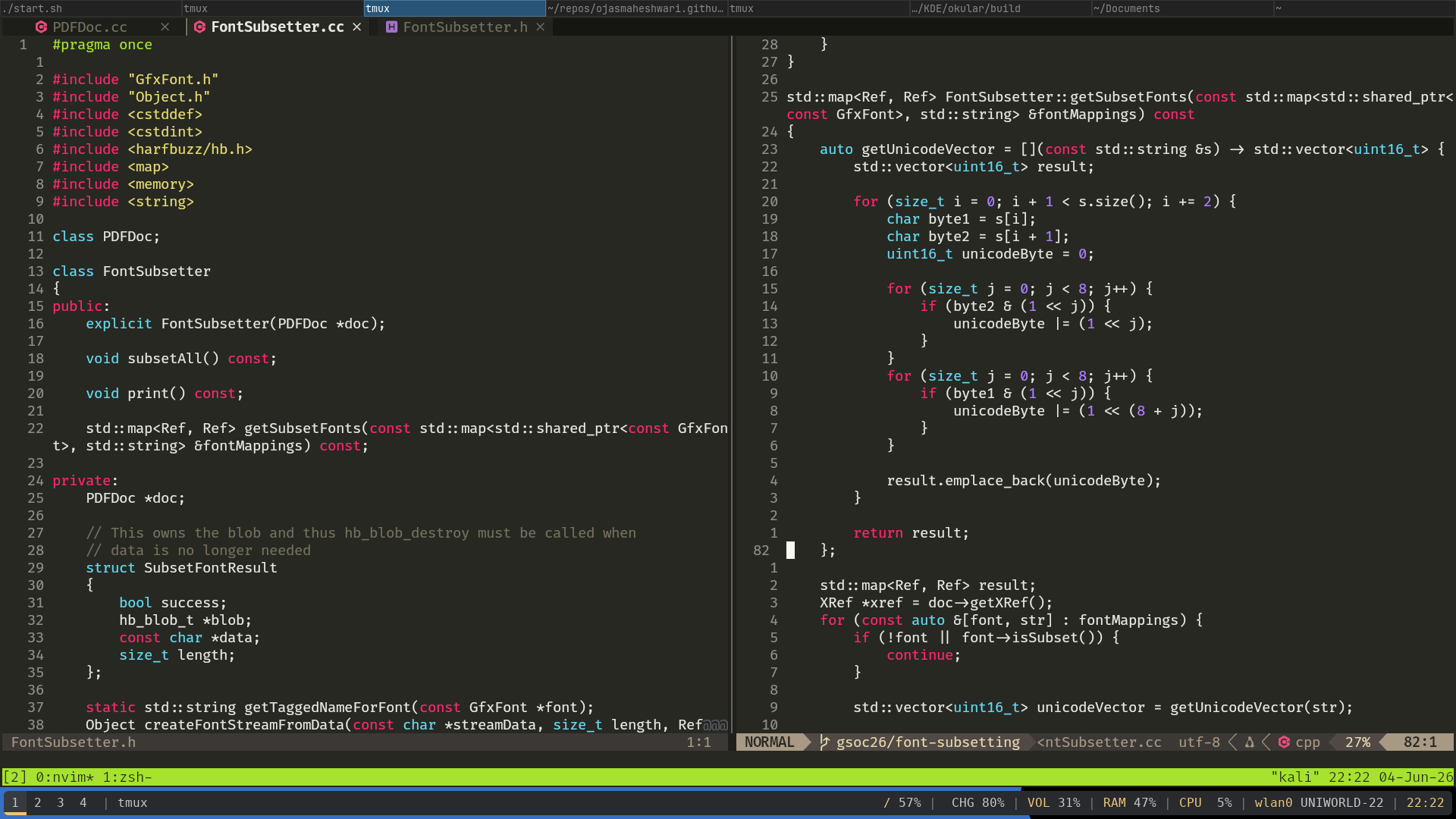 Code screenshot to make the blog look cooler How it works If you are interested to know what my current approach is: The whole subsetting runs only when the user saves the document. We go over all resources (for now, just FreeText annotations) that were modified, and call a subsetFonts method on them. This is a method implemented by every class that needs subsetting, and inside this method we pass the data on what "font" renders what part of the "text" to our FontSubsetter::getSubsetFonts. std::map<Ref, Ref> FontSubsetter::getSubsetFonts(const std::map<std::shared_ptr<const GfxFont>, std::string> &fontMappings) const The function generates the subset font objects and adds them to the PDF and returns mappings of old font refs and newer font refs. The subsetting happens using a library called "Harfbuzz". Then the subsetFonts function simply replaces the older refs with the newer ones inside the font subdictionary of the appearance stream of the annotation. Thanks for reading Although this blog might look small, it took me more than 1.5 hours to write this because I kept writing and deleting things. I am hoping I get better at writing blogs in the future. But anyways, thanks for reading! And have a great day ! Byee 😃!...
Luis Cañas Díaz and I shared lessons from our BI journey at the Eclipse Foundation SDV webinar — from open source to automotive. Methodology, real use cases, and hard-won lessons on data, metrics, and insights...
How long does it take for an Item to become visible? 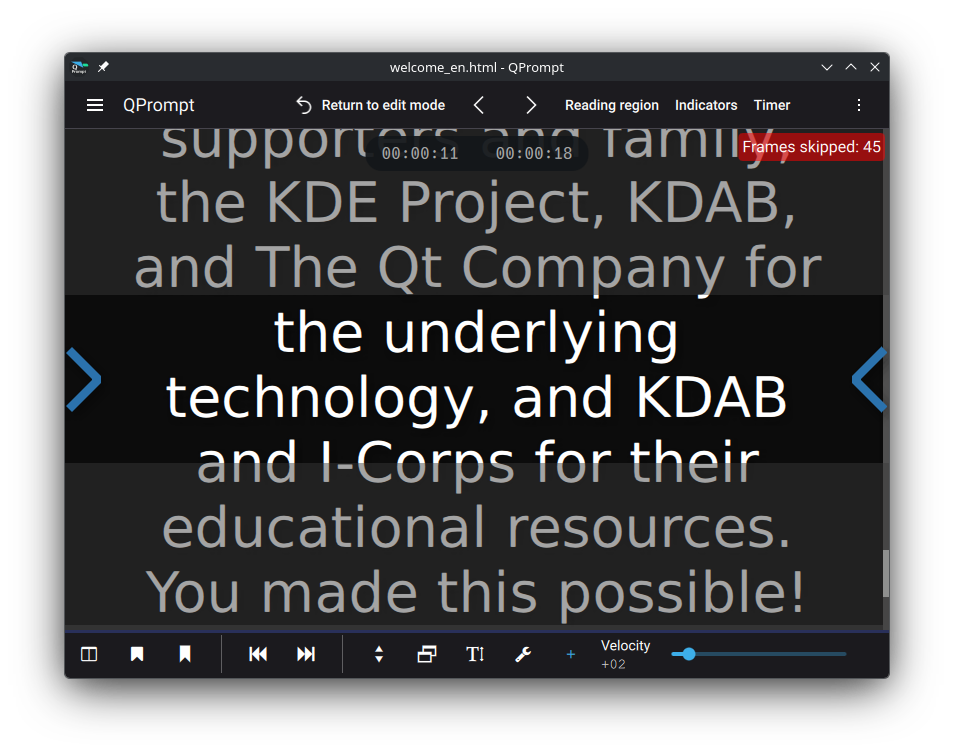 Frames skipped counter in application How long does it take for an Item that you’ve just loaded to become visible? Answering this question allows for a way to detect what some users would perceive as "frame drops". I write that in quotes because Qt Quick only draws frames when needed, meaning it doesn't drop frames; but it can show them later than one would expect. That is what we would like to identify: When components are drawn late, and by how many milliseconds or frames are they late?I've come up with a simple solution - code below the article - on how to measure this. Items being measured must inherit a class based of QQuickItem that has a connection on QQuickItem::visibleChanged. Its visible property should be false by default. When visible becomes true, a slot will start measuring elapsed time and create a direct connection to QQuickWindow::afterFrameEnd. Once the scene graph has submitted a frame, the slot will take the measurement and disconnect the connection that triggered it to prevent further frames from triggering this event.That alone isn't enough, however. If there were other elements on the scene being animated (say from the render thread via an Animator), those would trigger a frame swap before our item would have had a chance to be drawn, causing our measurement to be taken prematurely.We need a way of knowing when the frame that draws our component is the one that got swapped into view. Enter QQuickItem::ensurePolished. Calling this function ensures that QQuickItem::updatePolish will be called when the scene graph is ready to render our item. We override QQuickItem::updatePolish and use it to set a flag that’ll tell us that the next frame to come be displayed will correspond to the component we’re measuring. Lastly, we read this flag during the next call to QQuickWindow::afterFrameEnd, effectively using it to trigger the elapsed time measurement only when our item is swapped onto the screen.There is a variable amount of time between the last user interaction and the moment a frame can be rendered; because of that, a measurement in milliseconds is only accurate to the average time that it takes for one frame to be rendered immediately after the previous frame. That turns out to be 1 second divided by the display's refresh rate. We can use Qscreen::refreshRate, which gives us this value in hertz. For a 60hz display, a frame's time (T) would be 1000 ms / 60 hz ≃ 16 ms. Any time measured that is between zero and T (16 ms) would mean an instant frame swap. If we divide the measured time by T, and apply a floor function to the result, we get the number of frames dropped while making the component visible, which is a more consistent measurement than the number of milliseconds passed. For a well optimized program the output would be zero, one, or a positive integer very close to that. For more information about the rendering process, you can read scene graph and rendering from Qt's documentation.Make C++ items visible during their instantiation, or they won’t show up on screen. This QQuickItem subclass is different from its parent in that the Item is not visible by default. We set visible to false from the C++ constructor because the order in which initial properties are evaluated and assigned in QML differs depending on the approach used to instantiate the Item and assign its initial properties. You may set the initial visible property of an item in QML to false, then make it true during its instantiation as a delegate somewhere, only for the QML Engine to optimally evaluate its initial value solely to true, causing the visibleChanged signal to never be emitted because there was, effectively, no change to the visible property. Setting the visibility to false from the constructor in C++ is a simple way to guarantee that visibleChanged will be triggered upon any initialization of the visible property in QML.The code for the QQuickItem subclass described in this article is documented below. Hope you find it useful. Reach out to us if you need help profiling software, would like to receive our training courses, or need help developing tools such as this.Best regards, Javier Code #include <QQuickItem> #include <QQuickWindow> class TimedItem : public QQuickItem { Q_OBJECT QML_ELEMENT Q_PROPERTY(qint64 timeToDisplay READ timeToDisplay NOTIFY timeToDisplayChanged FINAL) public: TimedItem(QQuickItem* parent = nullptr) : QQuickItem(parent), m_elapsedTimer(new QElapsedTimer()) { setVisible(false); // When made visible, measure time to display QObject::connect(this, &QQuickItem::visibleChanged, this, &TimedItem::startMeasuringTimeToDisplay, Qt::DirectConnection); }; qint64 timeToDisplay() { return m_timeToDisplay; }; signals: void timeToDisplayChanged(); private: void startMeasuringTimeToDisplay() { if (isVisible()) { // Reset m_frameReady = false; // Attempt to take measurement after frame swaps QObject::connect(window(), &QQuickWindow::afterFrameEnd, this, &TimedItem::measure, static_cast<Qt::ConnectionType>(Qt::DirectConnection | Qt::UniqueConnection)); // Force polish, ensuring elapsed measurement is taken on the right frame ensurePolished(); // Take initial measurement m_elapsedTimer->start(); } } void updatePolish() { // The frame for this component will be rendered after this m_frameReady = true; } void measure() { // This will be called for every frame until the right frame has been rendered if (m_frameReady) { // Measure elapsed time m_timeToDisplay = m_elapsedTimer->elapsed(); // Prevent measuring further frame QObject::disconnect(window(), &QQuickWindow::afterFrameEnd, this, &TimedItem::measure); // Propagate measured time emit timeToDisplayChanged(); } } private: qint64 m_timeToDisplay = 0; QElapsedTimer *m_elapsedTimer; bool m_frameReady = false; }; The post How long does it take for an Item to become visible? appeared first on KDAB...
We are happy to announce the release of Qt Creator 20 RC!  ...
...
Over 180 individual programs plus dozens of programmer libraries and feature plugins are released simultaneously as part of KDE Gear. Today they all get new bugfix source releases with updated translations, including: akregator: Fix a hang on launch on arm64 (Commit) ksanecore: Fix crash on skanlite startup (Commit, fixes bug #517465) koko: Fix move to trash action overriding image editor delete actions (Commit, fixes bug #519784) Distro and app store packagers should update their application packages. 26.04 release notes for information on tarballs and known issues. Package download wiki page 26.04.2 source info page 26.04.2 full changelog...